
Every online store faces the same challenge. A popular product sells out, and suddenly you’re left with a product page that shows an empty stock message. What should you do? Delete it? Hide it? Redirect it somewhere else?
We’ve seen this exact moment many times with clients. One day sales are flying, next day we get a message:
“The product is out of stock… should we delete the page right now?”
That panic is very real 😄
The wrong choice can hurt your search engine rankings and cost you future sales. The right approach protects your SEO value while keeping customers happy. This guide will show you exactly how to handle out of stock product pages using simple, proven strategies.
We’ve explained this exact out-of-stock strategy in a quick YouTube Short below 👇
Don’t skip the full article though, it goes deeper and covers the details in a clear, step-by-step way.
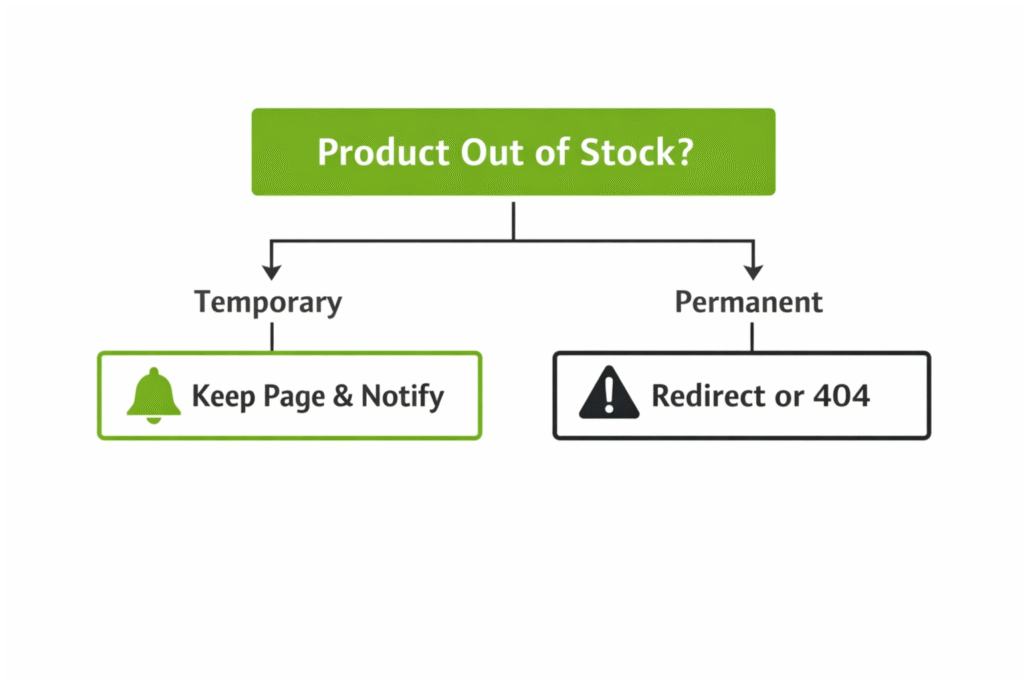
The One Question That Decides Everything
Before you do anything with an out of stock page, ask yourself one simple question: Is this product coming back or is it gone forever?
Your answer determines your entire strategy. Temporary shortages need one approach. Permanently discontinued products need another. Get this wrong, and you’ll damage your site’s search performance.
Understanding Why These Pages Matter
When a product goes out of stock, that page has already built valuable assets. It may rank well in Google search results. Other websites might link to it. Customer reviews on the page build trust with future buyers.
Simply deleting the page throws all of that away. Google has to remove it from search results, then add it back later when the product returns. Your rankings suffer. Your traffic drops. Customers who bookmarked the page find a dead link.
According to Google’s John Mueller, the company understands that products go out of stock. Google’s goal is to provide the best result for users. If a page is temporarily unavailable, Google doesn’t want to remove it from search results only to add it back a week later.
Strategy for Temporary Shortages
When a product will be back in stock soon, your goal is simple: keep the page’s ranking and traffic history intact. Here’s how to do it right.
Keep the Page Live with a 200 Status Code
The product page must return a 200 OK status code. This tells search engines the page is healthy and should stay indexed.
We once audited a site where every out-of-stock product was showing a 404.
The client said, “We thought Google doesn’t like empty stock.”
Google doesn’t like broken logic even more 😄
The page is still useful. Product details, images, specifications, and reviews are all still relevant. Only the stock status changed.
Use Schema Markup to Signal Stock Status
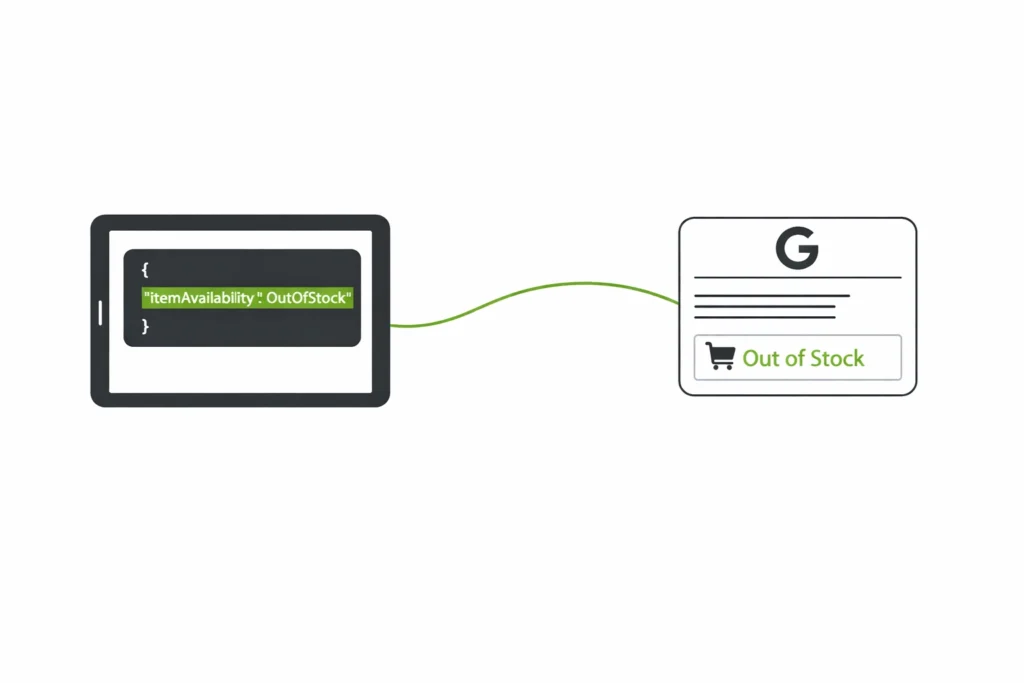
This is the most important technical step. Add Schema.org structured data to your page using the itemAvailability property. Set its value to “OutOfStock” when inventory runs out.
This special code tells Google exactly what’s happening. When the product returns, simply change the value to “InStock.” Google can pick up this change much faster than waiting to crawl the page and figure it out on its own.
Mueller explained this clearly:
What works best for us is if we can keep the URL online for things that are really temporary. If the URL remains indexable and with structured data you tell us this product is currently not available, then we can keep this URL in our index and keep refreshing it regularly to pick up that change in availability as quickly as possible.
Speed Up Reindexing When Stock Returns
When your product is back in stock, you want Google to know immediately. Link to the restocked product from a high-traffic page like your homepage or main category page.
This signals to Google that the product is important and should be crawled faster.
If you use Google Shopping and Google Merchant Center, update your product feed. This is the fastest way to communicate stock changes for shopping results.
The feed lets Google update product status without having to crawl your entire website.
Communicate Clearly with Customers
Display a prominent “Out of Stock” or “Temporarily Unavailable” message on the page. Don’t make visitors hunt for this information. Be honest and direct.
If you know when the product will return, share that date. A message like “Expected back in stock on March 15th” is much more helpful than leaving customers guessing. Even a rough timeframe like “Back in 2-3 weeks” gives them a reason to return.
Capture Interest with Notification Forms
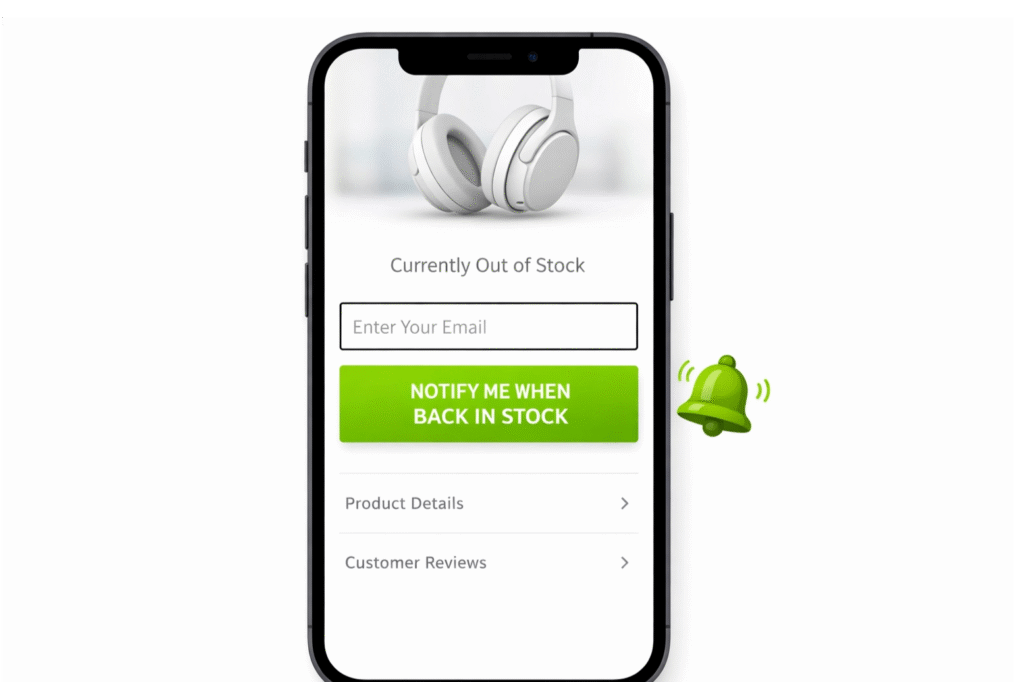
Replace the “Add to Cart” button with a “Notify Me When Back in Stock” form. This is one of your most powerful tools. It captures email addresses from highly motivated buyers who want that specific product.
This email list is extremely valuable. When the product returns, you have a group of warm leads ready to buy. You also get data showing how much demand exists for the item. Keep the form simple – just ask for an email address. The easier it is, the more people will sign up.
Show Alternative Products
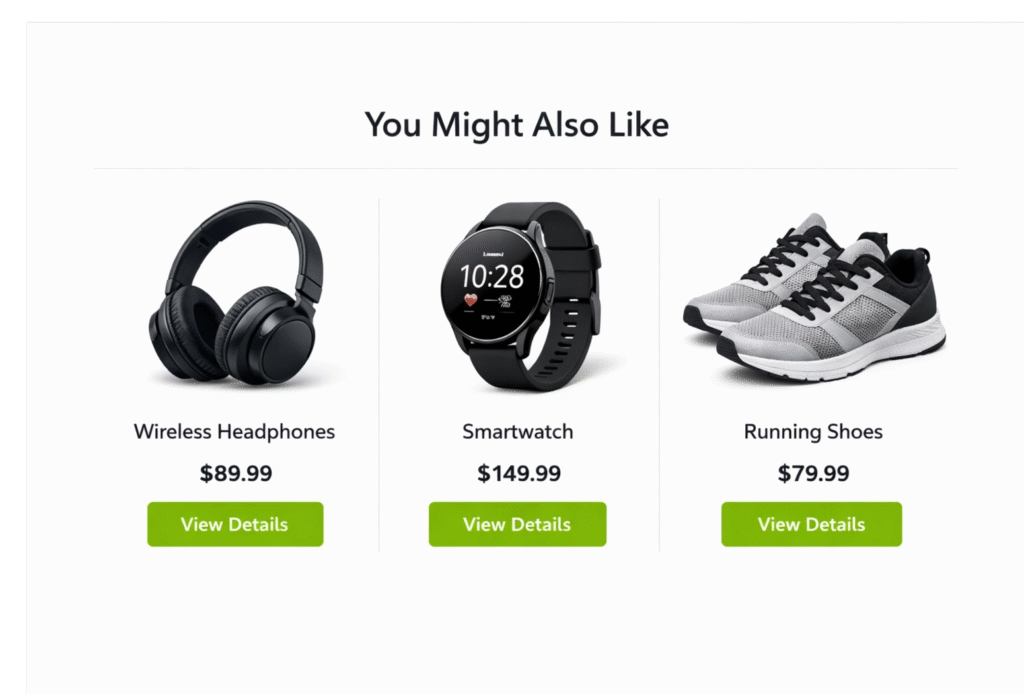
A visitor on your out of stock page is ready to buy right now. Don’t let them leave your site empty-handed. Show them similar products that are currently in stock.
Create a “Similar Products” or “Customers Also Viewed” section with relevant alternatives. If someone wanted a blue sweater in medium, show them other blue sweaters or the same style in different colors. Be strategic – this is your chance to introduce them to products they might not have discovered otherwise.
Strategy for Permanently Discontinued Products
When a product is gone forever, your decision depends on whether the page has SEO value. Before doing anything, check if the page has backlinks from other websites or still receives significant organic traffic.
High-Value Pages: Use 301 Redirects
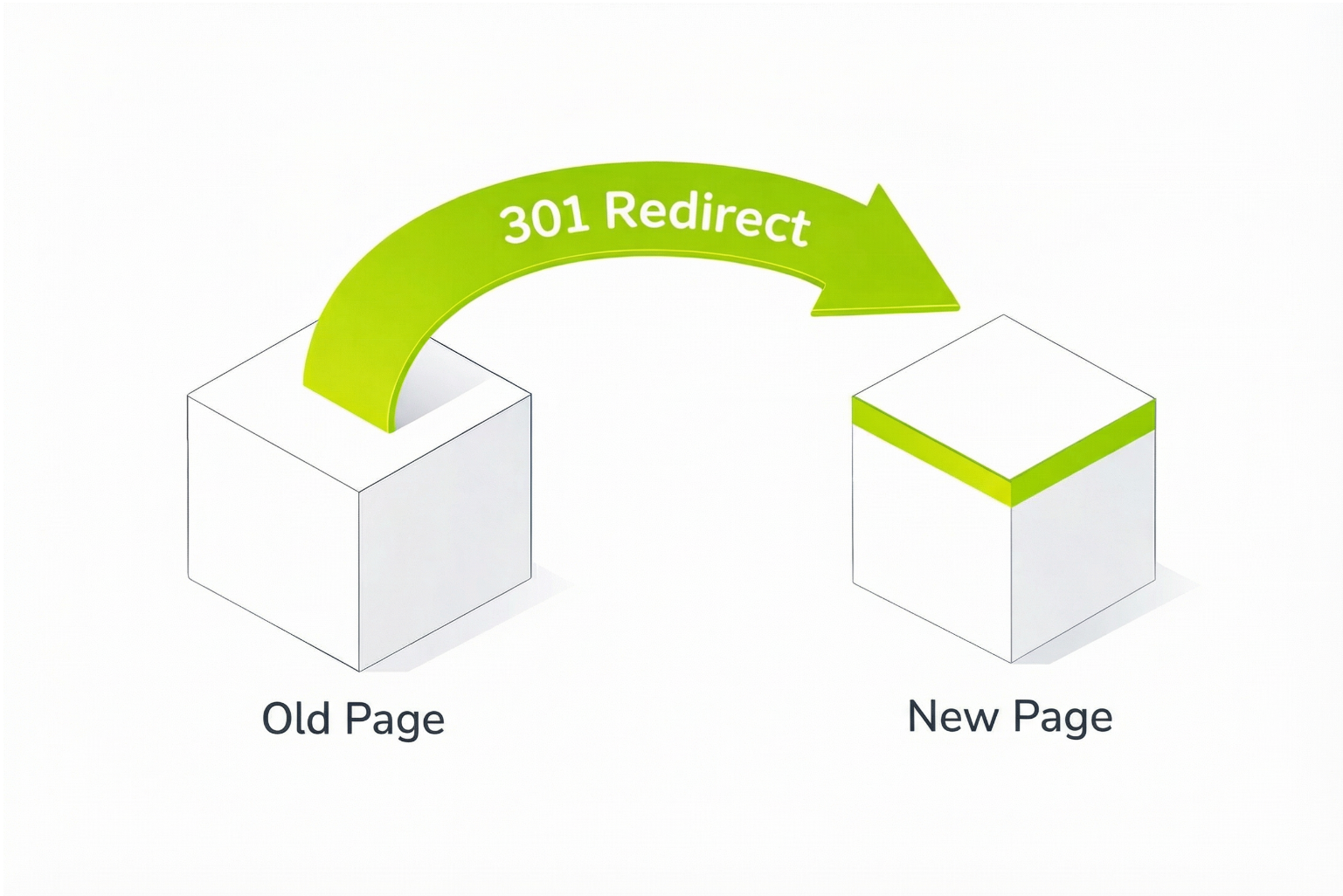
If the page has valuable backlinks or still gets traffic, use a 301 permanent redirect. This passes the page’s link authority to a new destination.
The destination must be highly relevant. Redirect to the updated model of the product, a very similar item, or the main category page. The key word is relevant. Redirecting to your homepage or an unrelated page is a mistake that Google may treat as a “soft 404.”
A soft 404 happens when Google thinks a page should return a 404 error, even though it technically returns a 200 status. When this occurs, Google ignores your redirect and the page’s link authority is lost. Always redirect to the most relevant page possible.
Low-Value Pages: Use 404 or 410 Status Codes
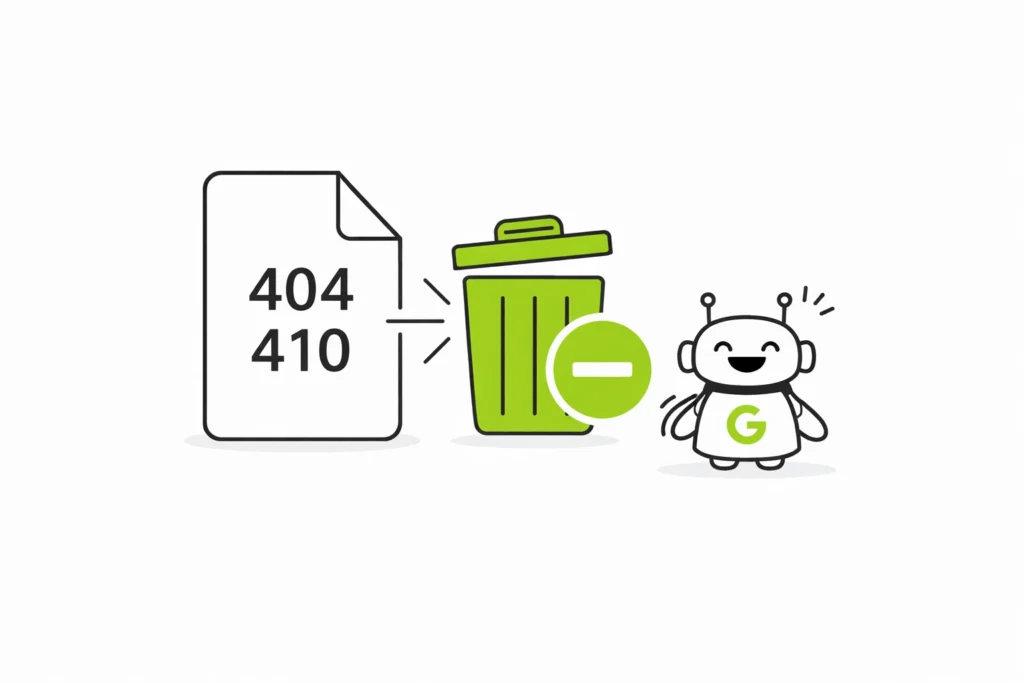
If the page has no backlinks and gets minimal traffic, return a 404 Not Found or 410 Gone status code. The 410 is slightly stronger, telling Google the page is permanently gone. This helps Google remove it from the index faster and saves your crawl budget.
Crawl budget matters because Google doesn’t crawl every page on your site every day. If you have thousands of discontinued pages returning 200 status codes, Google wastes time crawling dead pages instead of your new, in-stock products.
Special Case: Seasonal Products
For seasonal items that come back every year, keep the page live with a 200 status code. Remove internal links during the off-season to save crawl budget, but maintain the page structure. This way, the page is ready to go when the season returns, with all its rankings and authority intact.
User Experience Best Practices
Good SEO isn’t just about pleasing search engines. It’s about creating a positive experience that converts visitors into customers.
1. Manage Internal Search and Category Pages
Adjust your site’s internal search results and category pages to push out of stock items to the bottom or hide them from default views. Users should see products they can actually buy first. This reduces frustration and improves conversion rates.
2. Maintain All Product Information
Even when a product is out of stock, keep all the product details on the page. Descriptions, specifications, images, and especially customer reviews should remain visible. Reviews provide social proof that helps convince future buyers once the item returns.
Common Mistakes That Kill Your SEO
Even with good intentions, many stores make critical errors.
1. The Homepage Redirect Trap: Never redirect discontinued products to your homepage. This destroys link equity and creates soft 404 issues.
2. Ignoring Link Equity: Before deleting or redirecting any page, check its backlink profile. If valuable websites link to that page, you must preserve that authority with a proper 301 redirect.
3. Wasting Crawl Budget: Keeping thousands of permanently discontinued pages active with 200 status codes makes Google waste time crawling dead pages.
4. Deleting Pages Too Quickly: A product might be out of stock longer than expected. Don’t delete pages or change their status until you’re certain about the product’s future.
Conclusion
Handling out of stock product pages requires a clear strategy based on one question: temporary or permanent?
For temporary shortages, keep the page live with a 200 status code, use Schema.org markup to signal availability, capture interested customers with notification forms, and show alternative products.
For permanent discontinuations, check the page’s SEO value first. High-value pages get 301 redirects to relevant alternatives. Low-value pages get 404 or 410 status codes to save crawl budget.
By combining these technical SEO practices with a strong user experience, you turn a stock problem into an opportunity. You protect your search rankings, maintain customer trust, and keep your site performing well even when inventory runs low.
The key is thinking beyond the immediate problem. An out of stock page isn’t a failure – it’s a chance to capture future demand, introduce customers to other products, and preserve the SEO value you’ve worked hard to build.
FAQs
1. Should I delete out-of-stock product pages? +
No. Deleting them can harm SEO and waste existing traffic.
2. Does Google penalize out-of-stock products? +
No. Google understands that stock changes are normal for online stores.
3. Should I hide out-of-stock products from search results? +
Only if the product is permanently discontinued.
4. How long should I keep an out-of-stock page live? +
As long as there is a chance the product will return.
5. What is the best thing to show on an out-of-stock page? +
Lorem ipsum dolor sit amet, consectetur adipiscing elit. Mauris tempus nisl vitae magna pulvinar laoreet. Nullam erat ipsum, mattis nec mollis ac, accumsan a enim. Nunc at euismod arcu. Aliquam ullamcorper eros justo, vel mollis neque facilisis vel. Proin augue tortor, condimentum id sapien a, tempus venenatis massa. Aliquam egestas eget diam sed sagittis. Vivamus consectetur purus vel felis molestie sollicitudin. Vivamus sit amet enim nisl. Cras vitae varius metus, a hendrerit ex. Sed in mi dolor. Proin pretium nibh non volutpat efficitur.

Dheeraj Soni
With over 6 years of overall experience in the SEO field, Dheeraj Soni is a dedicated practitioner who cuts through the noise to deliver strategies that work. As the SEO Manager at Rankmatics, he focuses on conversions and real-world ROI, applying his expertise in Technical SEO and Content Strategy. He has a proven track record of helping major brands achieve sustainable organic growth.


